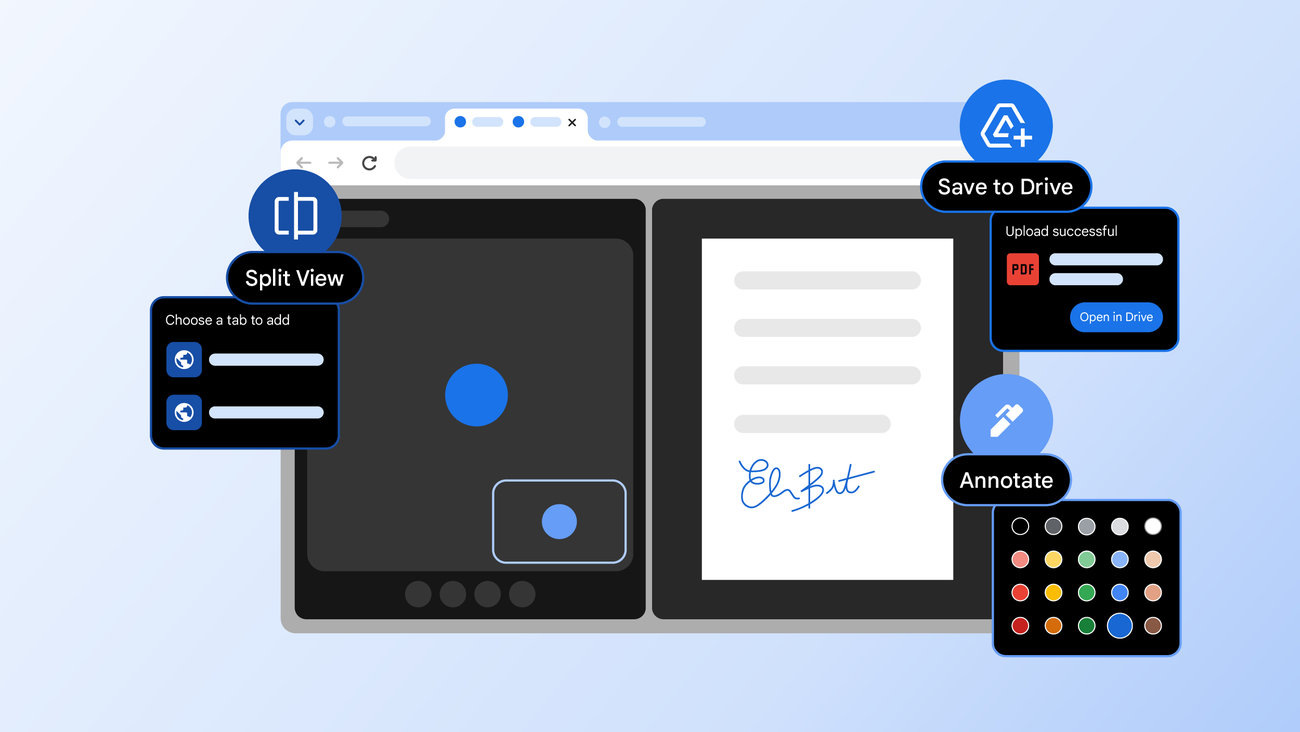
• New features in Chrome for work, life and everything in between Feb 19, 2026 From split view to new PDF annotation capabilities, see how we’re making Chrome more helpful than ever. • Your browser does not support the audio element. • Whether you’re looking for ways to move through your to-do list faster, working hard to get your side gig off the ground, or just spending most of your day in the browser, Chrome’s got your back. • We’re constantly listening to your feedback and thinking about how we can make browsing more helpful and intuitive. • We also know your time is valuable, which is why we obsess about all the tiny details to make your Chrome experience as helpful as possible. • Today, we’re announcing three new Chrome features designed to give you a productivity boost: split view, PDF annotations and Save to Google Drive.
Article Summaries:
- Google Chrome has rolled out three productivity‑focused features aimed at streamlining everyday web use. The new split‑view mode lets users display two tabs side‑by‑side, reducing the need to switch windows and helping with tasks such as grading, note‑taking, or coding. Chrome’s PDF viewer now supports on‑the‑fly annotations, allowing highlights and comments without leaving the browser. Finally, a “Save to Google Drive” option lets users send PDFs directly to a dedicated folder in Drive, eliminating manual downloads and re‑uploads. These additions target both casual and enterprise users, emphasizing time‑saving and organization.
Sources:
- https://blog.google/products-and-platforms/products/chrome/chrome-productivity-improvements/ (Latest source article published: 2026-02-19 17:00 UTC)