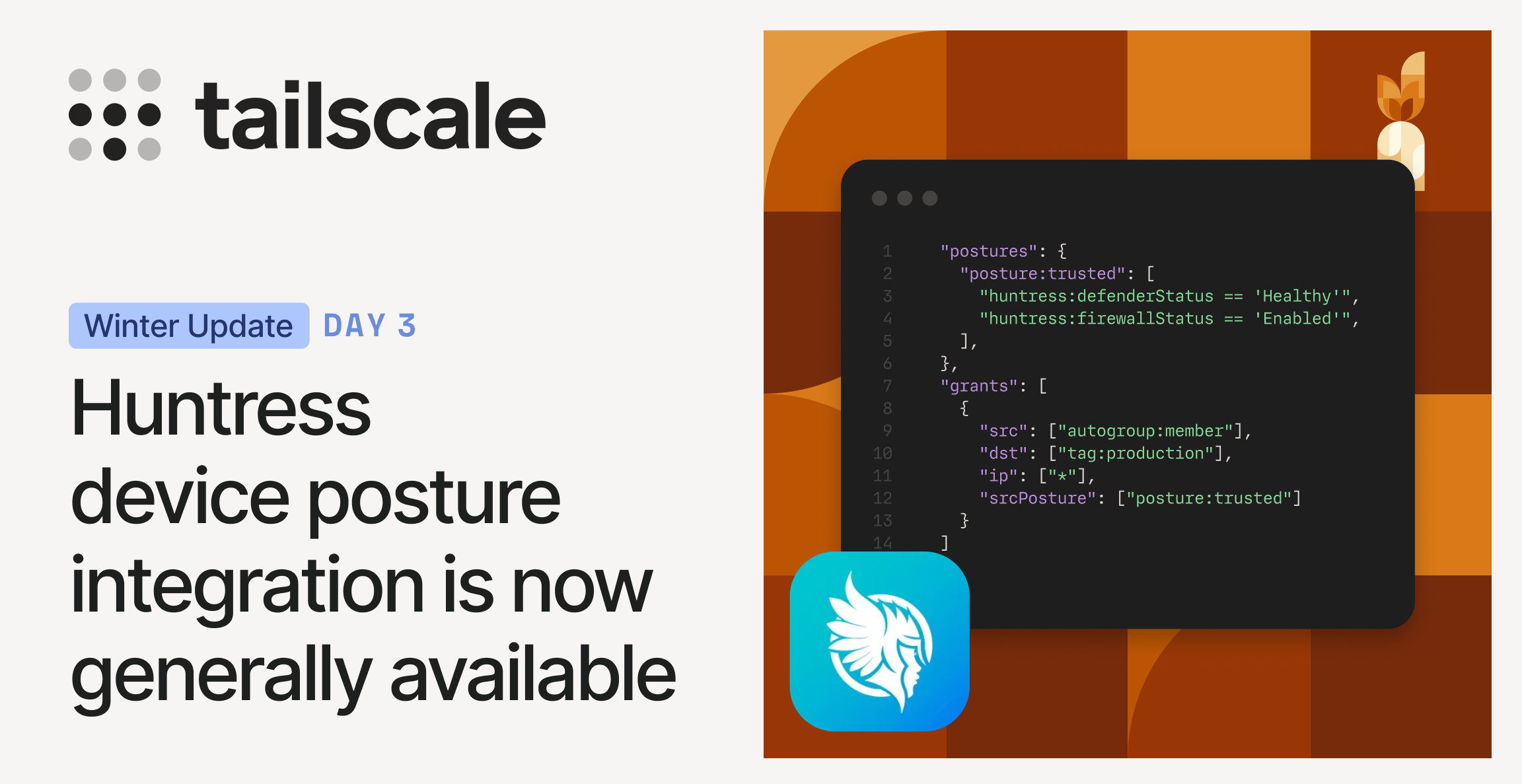
• Huntress device posture integration is now generally available Device risks change constantly. • Access policies should be able to respond. • Today, we’re announcing a new integration withHuntress, now generally available in Tailscale. • With this integration, Huntress device posture attributes can be used directly in Tailscale access policies. • Why we built this Endpoint security and access control solve different problems, and they usually operate independently. • Endpoint Detection and Response (EDR) solutions, such as Huntress, report endpoint protection and health status.
Article Summaries:
- Tailscale has announced that its integration with Huntress is now generally available. The new feature lets Tailscale access policies reference Huntress‑reported device posture attributes-such as Microsoft Defender status, firewall state, and policy compliance-so that changes in endpoint security automatically trigger policy adjustments. By synchronizing posture data on a recurring schedule, Tailscale can enforce baseline protections (e.g., requiring antivirus or firewall) without manual updates, reducing the window where risky devices retain broader access. Enterprise customers can enable the integration via the admin console, grant permissions, and add Huntress checks to their policies. Documentation provides full setup instructions.
- Tailscale’s Enterprise plan now offers a generally available integration with Fleet, the open‑source device‑management platform. The feature lets administrators pull Fleet’s device‑posture data-such as enrollment status and policy compliance-directly into Tailscale access control lists (ACLs). By referencing these posture attributes, teams can enforce that only managed, compliant devices reach sensitive resources like production databases or admin tools. The sync is automated: Fleet periodically pushes device state to Tailscale, which then applies it in real‑time access decisions. Setting up the integration requires generating a Fleet API token, connecting Fleet in the Tailscale admin console, defining relevant Fleet policies, and updating ACLs to reference them. Documentation is available for quick onboarding.
Sources:
- https://tailscale.com/blog/huntress-device-posture-integration
- https://tailscale.com/blog/fleet-device-posture-integration (Latest source article published: 2026-02-18 15:15 UTC)