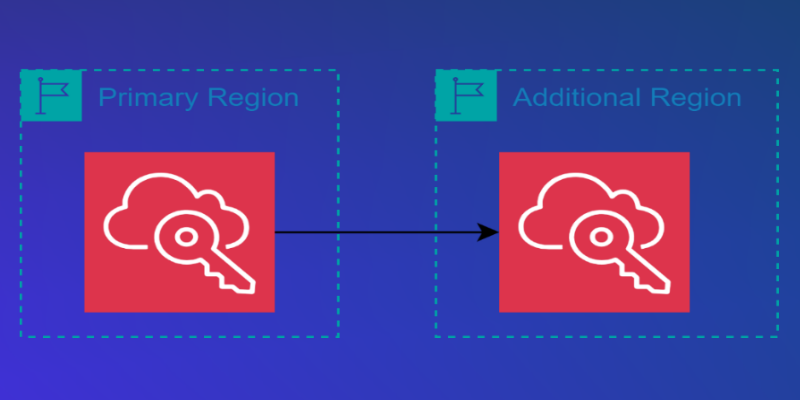
• AWS News Blog AWS IAM Identity Center now supports multi-Region replication for AWS account access and application use | Today, we’re announcing the general availability of AWS IAM Identity Center multi-Region support to enable AWS account access and managed application use in additional AWS Regions. • With this feature, you can replicate your workforce identities, permission sets, and other metadata in your organization instance of IAM Identity Center connected to an external identity provider (IdP), such as Microsoft Entra ID and Okta, from its current primary Region to additional Regions for improved resiliency of AWS account access. • You can also deploy AWS managed applications in your preferred Regions, close to application users and datasets for improved user experience or to meet data residency requirements. • Your applications deployed in additional Regions access replicated workforce identities locally for optimal performance and reliability. • When you replicate your workforce identities to an additional Region, your workforce gets an active AWS access portal endpoint in that Region. • This means that in the unlikely event of an IAM Identity Center service disruption in its primary Region, your workforce can still access their AWS accounts through the AWS access portal in an additional Region using already provisioned permissions.
Article Summaries:
- AWS announced that IAM Identity Center is now generally available with multi‑Region replication, allowing organizations to copy workforce identities, permission sets, and related metadata from a primary region to additional AWS regions. The feature improves resiliency-if the primary region’s IAM Identity Center service is disrupted, users can still access their AWS accounts via an active access‑portal endpoint in a replicated region. It also lets customers deploy AWS‑managed applications closer to users or data sets, meeting performance or data‑residency requirements. To enable replication, users must first replicate a multi‑Region customer‑managed KMS key, then add the desired region through the IAM Identity Center console.
Sources: